Blog
Master document register (MDR): definition, fields and setup

CEO & Founder, AODocs · Sep 24, 2026

Introduction
This guide is designed for project managers, document controllers, and capital project teams responsible for managing documentation as part of project management in capital projects. Understanding Master Document Registers (MDRs) is crucial for these roles because MDRs provide the foundation for document control, compliance, and project delivery. An effective MDR ensures that all project documents and document deliverables are tracked, their status and ownership are clear, and the right versions are available to the right people at the right time.
This guide covers the definition, required fields, setup steps, and best practices for MDRs in capital projects, including complex construction projects, providing practical advice for establishing and operating a robust document control process.
1. What a master document register is
A master document register, or MDR, is the controlled index of the documents a capital project expects, receives, reviews, issues, and retains. A Master Document Register tracks all project documents, serving as a structured control record that is not necessarily the file repository. It tracks document status and ownership, allowing a document control director to answer three questions quickly: what should exist, which revision is authorized for a stated purpose, and who is responsible for the next action.
Key takeaways
- A master document register connects planned deliverables with the revisions, statuses, issue records, and responsibilities used to control them.
- The required level of control depends on the contract, project scope, participants, and consequences of using the wrong document.
- Typical failures involve unclear scope, uncontrolled metadata, false currency, and missing ownership. Each needs an explicit control.
- A useful MDR is tested through review, issue, supersession, reporting, and handover, not judged by row count alone.
2. Why an MDR matters and when to formalize control
An MDR helps close the gap between storing files and knowing whether a deliverable is planned, late, under review, approved for a particular purpose, or superseded. The control should be proportionate to the project rather than copied from another organization.
| Context | Approach | Core controls |
|---|---|---|
| Limited internal scope, few roles and no formal cross-party issue requirement | Lighter register, if the project plan permits | Identity, current revision and status, owner, baseline and change history |
| Contract deliverables, multiple organizations, formal issues, field use or handover | Formalized MDR | Controlled metadata, permissions, status transitions, transmittal links, history and reconciliation |
An MDR is useful only when its scope, metadata, status rules and ownership are agreed across the project. A long spreadsheet with inconsistent codes is still a list. A governed MDR is a working control record that connects planned deliverables to review, transmittal, revision and handover processes.
If separate contractor registers feed an owner register, define the identifiers, update cadence, validation rules, and authority for resolving conflicts before work begins.
Typical MDR mistakes, consequences and controls
Below are common mistakes, their immediate consequences, and recommended controls for MDRs:
| Typical mistake | Immediate consequence | Recommended control |
|---|---|---|
| Ambiguous scope | Completeness cannot be assessed | Define covered contracts, phases, parties and document types; reconcile them with the baseline |
| Free-text values, inconsistent codes or reused identifiers | Filtering, routing and reconciliation become unreliable | Use controlled values, uniqueness rules and named data owners |
| Upload date, file name or folder position treated as proof of currency | An unapproved or superseded issue appears current | Use revision control; track document revisions separately from status and purpose; show the correct version through a link to the actual document instead of inferring currency from storage metadata. Automating the review process minimizes risks associated with manual handling. |
| Missing owner or approval authority | Reviews and exceptions stall | Record the originator, action owner and authorized approver separately, with an approval code as a controlled field for consistent tracking |
| Overwritten baseline dates or superseded records | Schedule changes, obsolete documents, and prior issues lose context | Preserve approved changes and history; exclude superseded issues from the normal current set |
| Unreconciled contractor lists or incomplete exports | Parties act from conflicting views | Define mappings and update owners; test reports and exports |
Navigating MDR Mistakes:
After reviewing the table above, ensure your MDR implementation addresses each of these areas with explicit controls and regular validation to avoid common pitfalls.
4. How to set up and operate an MDR correctly
Define scope, terms and system boundaries
The MDR holds one structured record for each controlled document or planned deliverable, including a new document once it enters control. Depending on the contract, that population can include:
- Drawings
- Specifications
- Calculations
- Vendor data
- Procedures
- Inspection records
- Manuals
- Selected correspondence
The register is not necessarily the file repository. It identifies the document through core fields such as document number, document title, and revision, and records the project-defined facts used to control it. The document management system may store the file, permissions, versions, and workflow history, while the MDR should still connect users to the actual document and expose the current project view across those records, especially when using a governed document control platform to manage large volumes of project information.
Do not assume that MDR, Master Document List (MDL), and document register are either synonyms or separate records. Define each term in the contract and document-control plan. One project-specific convention, not a universal standard, is:
- A document register records documents that exist or have circulated.
- An MDL describes the deliverables expected from a party, package, or stage.
- An MDR combines the planned population with current status, revision, ownership, and issue records across the project.
The decisive question is not the acronym. It is whether the chosen register can reconcile the baseline deliverable list with actual submissions for the specific project and controlled issues. ISO 19650-1:2018 sets out information-management concepts and a lifecycle framework for built assets. This article does not use it as a prescribed MDR template or as authority for an MDR/MDL naming convention.
Define the fields that support decisions
A Master Document Register includes document number, title, and revision. The fields below are a design checklist, not a standard or contractual minimum. Start with the minimum information required to identify, route, and report each document. Add fields only when they support a contractual requirement, a workflow decision, or a report that someone will use.
Core MDR Fields:
| Field | Control purpose | Design decision |
|---|---|---|
| Document identifier | Functions as the document number used as the unique identifier for each record | Define uniqueness, prefixes, and rules for inherited identifiers |
| Title | A clear document title gives users a readable description and improves searchability and handling | Set language, length, and abbreviation rules |
| Revision | Identifies the project-defined revision | Keep it separate from file version numbers |
Additional MDR Fields:
- Document type: Supports routing, retention, and reporting (use a controlled list rather than free text)
- Discipline, system, or package: Groups records for ownership and reporting (align values with the project breakdown structure)
- Originator: Identifies the organization producing the document (distinguish organization from the person assigned to act)
- Responsible owner: Identifies who maintains the record or drives the next action (define handoffs when responsibility changes)
- Planned submission date: Establishes the agreed baseline (record approved baseline changes separately)
- Actual submission or issue date: Records the relevant event (define whether the tracked event is the actual submission date or issue date under the project rule)
- Status and purpose of issue: States review outcome and authorized use (publish the code set and permitted transitions)
- Transmittal reference: Connects formal distribution to the document record (define how reissues and responses are linked)
- Current or superseded state: Helps keep an earlier issue from appearing current (retain history while controlling normal visibility)
- Optional fields: Confidentiality, asset tag, location, contract deliverable reference, review due date, handover package, retention class, approval date, and approval code (as needed for structured approval reporting)
Keep revision, file version, review status, and purpose of issue separate. Approval status, revision status, and document status are also distinct tracked values and should not be conflated. A newly uploaded file can have a later system version without being approved for construction or any other authorized purpose.
Key information should be limited to fields that support decisions, routing, and reporting.
Connect the MDR to the document lifecycle
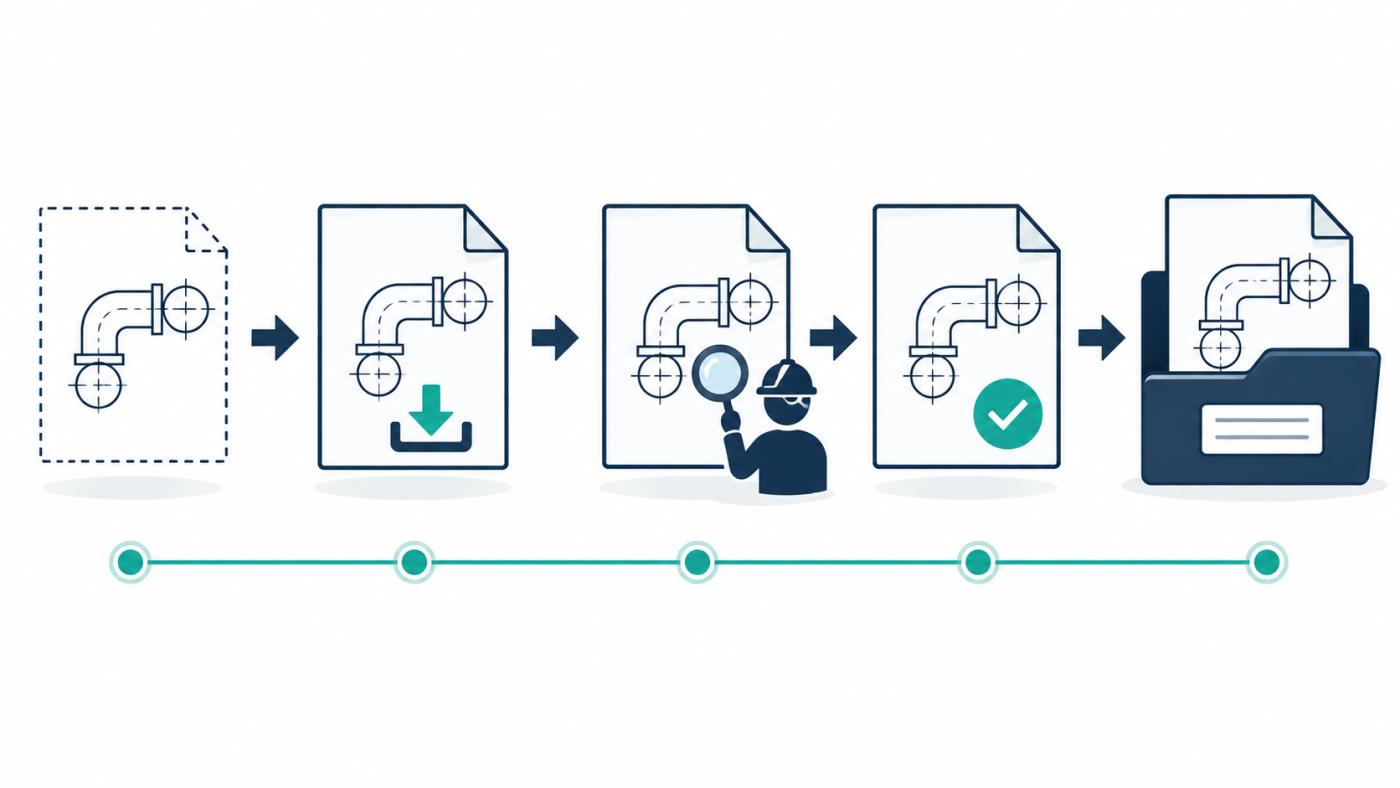
Create the MDR record when a deliverable is planned, not only when its first file arrives. The planned record establishes scope, owner, and baseline date. Submission then adds the originator's issue information and starts the applicable review workflow for project documents.
During review, the MDR should expose the current status, responsible role, due date, and response without erasing earlier cycles, including document revisions and the retained comment record across review cycles, with input from external parties where relevant. Approval or acceptance must be tied to the project-defined authority and purpose of issue through the approval workflow. A label applied manually by an unauthorized user is not approval evidence.
When a new revision is formally issued, the prior issue should remain retrievable as a superseded record without appearing in the normal current set. At closeout, the register becomes an index for reconciling required handover information against accepted deliverables, including as-built records and final handover requirements that may transfer to operations. The project must still define what transfers to operations, in which format and under which retention rules, and how this will be supported by an AI-powered enterprise document management platform.
Make metadata, status and ownership drive workflows
Metadata should control actions, not merely describe files. A document type can select a review path, with a method statement routed differently from work instructions.
Discipline and package can identify reviewers. Status can open or close a task. Purpose of issue can determine who may use the document and where it may be distributed.
Publish a status dictionary with the meaning, authorized transitions, and approving role for every code. Automating the review process minimizes risks associated with manual handling and keeps status changes more reliable. Projects may use labels such as "issued for review" or "issued for construction"; their codes and consequences remain project-specific.
Ownership also needs precision. Record the producing organization, the person or role responsible for the current action, and the authority permitted to approve or issue. These are different responsibilities. Reports should surface unassigned actions, overdue reviews, rejected submissions, and planned documents with no current issue, including cases where the project manager is the action owner for due dates or escalations.
Test the model through each interface used by the team. Search, dashboards, exports, direct links, and notifications should preserve the distinction between draft, approved, and superseded information, with an audit trail so workflow evidence remains traceable, including when MDR-controlled documents are accessed through Microsoft 365 integrated with AODocs DMS. A correct database state is not sufficient if a field user can still reach the wrong issue through an uncontrolled channel, particularly when MDR data feeds integrations between AODocs and third-party business solutions.
Set up the MDR step by step
- Define the decision scope. List the parties, contracts, phases, and document types covered. State what stays outside the MDR and where it is controlled.
- Build the planned population. Reconcile contract deliverable schedules, design lists, vendor data requirements, and inherited records, including quality documents where they are contractually in scope. Assign a unique identifier before first submission where possible.
- Agree the schema. Define mandatory fields, controlled values, date meanings, and validation rules. Record the data owner for each field.
- Define status and revision rules. Document permitted transitions, approval authority, reissue behavior, and the relationship between revision and system version. Set revision control expectations for document revisions so the register shows the current issue, prior history, and traceable changes.
- Map roles and access. Separate contributors, reviewers, approvers, document controllers, and recipients. Test access control with least-privilege permissions for contractors, recipients, and field teams.
- Configure workflow and exceptions. Model the normal path, then cover rejection, cancellation, late changes, duplicate identifiers, and emergency distribution. For example, define how the approval code and approval status are updated when an exception requires a controlled reissue outside the normal sequence.
- Prepare migration and reconciliation. Profile source data, map values, resolve duplicates, and retain evidence of what was imported or excluded. Do not assume a bulk load makes legacy records trustworthy.
- Pilot one representative package. Include an approved issue, a rejected submission, a reissue, and a superseded revision. Test notifications, reports, exports, and direct links.
- Onboard every submitting party. Provide the code dictionary, naming rules, examples, responsibilities, and a support route. Validate the first submissions before scaling.
- Operate a control cycle. Reconcile planned and actual deliverables at a cadence tied to project reporting, decision gates, and management reviews. When recurring MDR control failures appear, use corrective actions to address root causes, not only individual rows.
MDR requirements to test in software
Evaluate software against the project control model, not a feature checklist alone. Use a scripted demonstration with representative records and roles to see how an AI-native document management platform supports MDR governance and automation.
Check whether the platform can:
- Enforce the required metadata and controlled values
- Keep revision, version, status, and purpose of issue distinct
- Configure review, approval, reissue, and supersession paths, including an approval workflow and a review workflow
- Restrict actions and visibility by role
- Preserve attributable workflow and revision history with an audit trail
- Link each register record to the actual document so users can verify the correct version
- Import and export the fields needed for reconciliation, including via a governed REST API for AODocs
- Expose current-set reports without hiding exceptions
- Support contractor participation under the intended identity and licensing model
- Connect to required systems through documented, supportable integrations
Record each result as confirmed, configuration-dependent, unsupported, or not yet verified. Repeat critical tests with the permissions used by ordinary contributors and recipients, not only an administrator account. Software should also protect controlled documents from accidental exposure to obsolete documents through role-based access control and current-set reporting, especially when using a governed cloud-native document management platform for capital projects.
For the complete buying and pilot framework, see How to choose capital project document control software: 12 criteria. When piloting, it also helps to understand how AODocs works as a cloud-based content services platform so that MDR configuration and workflow design match the project’s governance model.
Where the platform fits
AODocs' Engineering and Construction page states that AODocs can bulk-import a Master Document List, create placeholders, automate document numbering, configure workflows, and track overdue items. Availability depends on configuration. This article treats AODocs as the document-control layer; it does not evaluate planning, scheduling, cost-control, BIM-authoring, or field-execution systems.
Learn more
Frequently asked questions
What is a master document list?
A master document list usually identifies the deliverables expected from a party, package or project stage. An MDR may combine that planned population with current revision, status, owner and issue information. Terminology varies by contract. Define the two records in the project plan and reconcile expected deliverables with actual submissions rather than relying on the acronym alone.
Who owns the MDR on a capital project?
The contract and project information plan should name the accountable owner. Depending on the governance model, accountability may sit with document control or project information management. Contractors can maintain assigned records without owning the project-wide schema or acceptance rules.
How often should an MDR be updated?
Update event-driven fields when submissions, reviews, approvals, issues, or supersessions occur, including the actual submission date and approval date when those events happen. Reconcile the whole register at a project-defined cadence and before decision gates. The right cadence depends on volume, risk, contract reporting, and how quickly stale status could affect work.
Can an MDR prevent teams from using superseded documents?
An MDR can make current and superseded states explicit, but prevention depends on the surrounding workflow, permissions, distribution controls, field practices, and user behavior. Prevention also depends on linking users to the actual document and maintaining access control so obsolete documents are harder to use by mistake. Test every channel through which a recipient can access or retain a drawing or document.