
Salesforce runs the deal, AODocs runs the documents
Proposals, quotes and contracts stay one click away in the opportunity. AODocs approves them, keeps one version in force, and moves the opportunity forward when a document is validated, while the files stay in your own storage and outlive the deal.






Salesforce Files is enough until the document matters more than the deal
For a quote attached to an opportunity and read by two sales reps, Salesforce Files does the job. The line is crossed when a document has to be approved, signed in one version, read by people who are not in Salesforce, kept for ten years, or read by an AI agent.
| When this is your situation | What it takes |
|---|---|
| A few files per opportunity, read by the sales team | Salesforce Files is enough |
| Quotes and contracts approved by finance or legal before they are sent | An approval workflow on the document itself, with the opportunity updated when it completes |
| Several versions of a quote or an MSA, and one of them signed | One version in force, the others retired, visible from the opportunity |
| Legal, finance, procurement and service need the signed contract | Access for people without a Salesforce license |
| The contract must be kept years after the opportunity closes | Retention rules per document type, independent of the CRM record |
| Thousands of documents per year, and file storage running out | Files kept in your own storage (Google Drive, Amazon S3, Azure), shown in Salesforce |
| An AI agent answers questions on accounts and deals | A source that holds only the version in force, with its status [à vérifier] |
When this is your situation
A few files per opportunity, read by the sales team
What it takes
Salesforce Files is enough
When this is your situation
Quotes and contracts approved by finance or legal before they are sent
What it takes
An approval workflow on the document itself, with the opportunity updated when it completes
When this is your situation
Several versions of a quote or an MSA, and one of them signed
What it takes
One version in force, the others retired, visible from the opportunity
When this is your situation
Legal, finance, procurement and service need the signed contract
What it takes
Access for people without a Salesforce license
When this is your situation
The contract must be kept years after the opportunity closes
What it takes
Retention rules per document type, independent of the CRM record
When this is your situation
Thousands of documents per year, and file storage running out
What it takes
Files kept in your own storage (Google Drive, Amazon S3, Azure), shown in Salesforce
When this is your situation
An AI agent answers questions on accounts and deals
What it takes
A source that holds only the version in force, with its status [à vérifier]
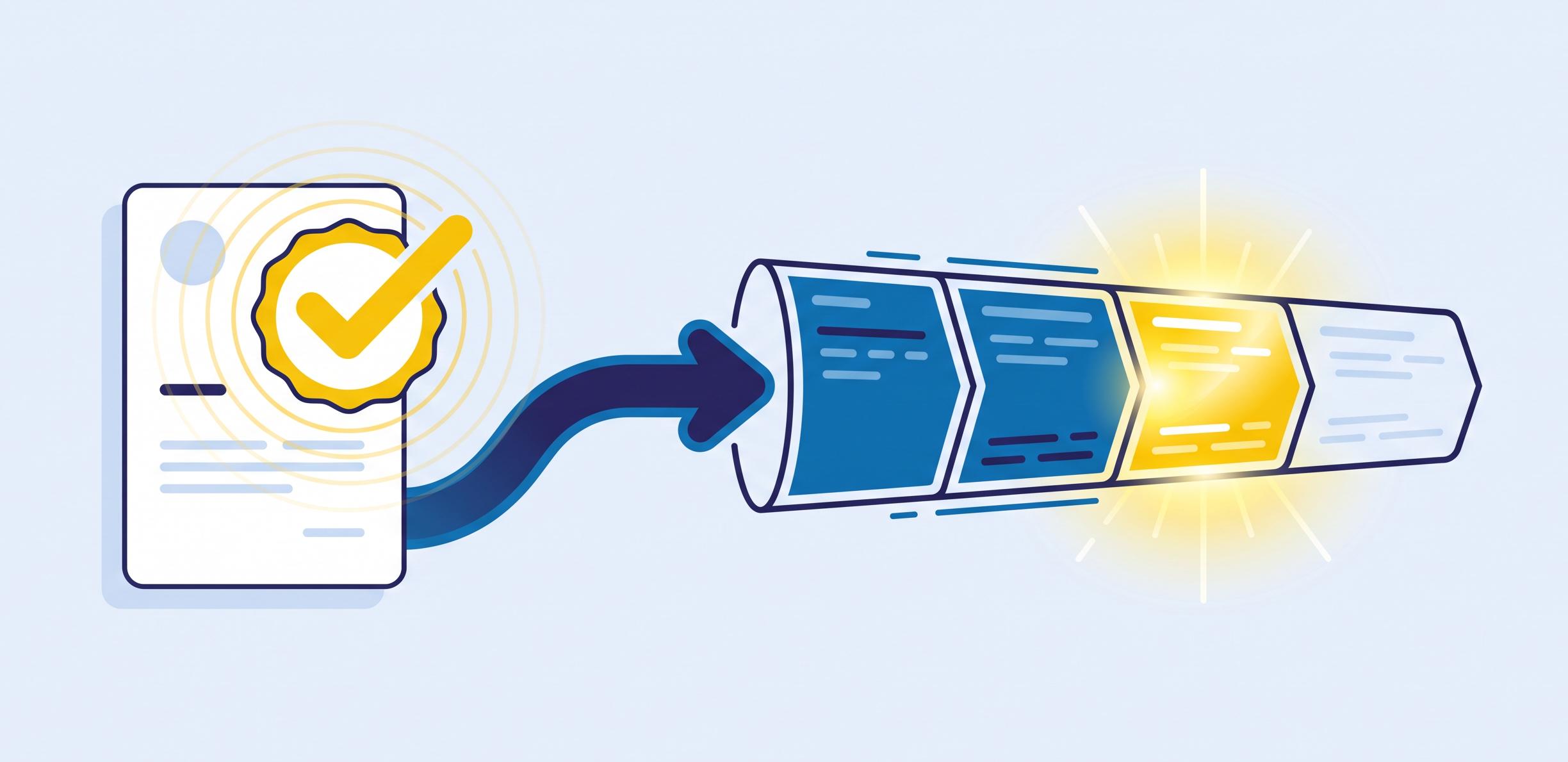
When the document moves, the deal moves
File connectors attach documents to a record. AODocs connects their lifecycles: an opportunity creates its documents, and an approved document moves the opportunity forward. Nobody re-enters a status, nobody chases an approval by email.
- 1
The opportunity reaches Proposal
Salesforce → AODocs
A rule creates the quote in AODocs from an approved template, with the account, amount and owner filled in from Salesforce.
- 2
Finance reviews the quote
In AODocs
The approval workflow runs on the document: who approved, which version, when.
- 3
The quote is approved
AODocs → Salesforce
The rule moves the opportunity to Negotiation. The sales rep sees the approved PDF in the opportunity, and only that one.
- 4
The contract is signed
In AODocs
The signed version becomes the version in force; drafts and earlier versions leave circulation and search.
The rep stays in Salesforce, the document stays governed
Rules are set up without code: which Salesforce event creates which document, which status moves which stage. Available on US and EU instances, installed from the AppExchange.

Close deals on documents you can trust
Documents in the opportunity, not in a maze
Reps access and manage opportunity documents directly in the Salesforce interface. No tab-switching, no "which version did we send?", no digging through shared drives at closing time.
AODocs governs what Salesforce displays without loosing control
Behind the Salesforce screen, every proposal and contract follows its AODocs lifecycle: versions tracked, approvals enforced, audit trail complete. Sales moves fast; compliance keeps up.
From opportunity to signed contract, faster
Assemble proposals from approved content, route contracts through approval workflows, and cut the back-and-forth that stretches closing time.
A two-way connection, built on rules
An opportunity opens, its documents follow
Create a rule, and every new or updated opportunity triggers the creation of its AODocs document, fields mapped automatically: close date, account name, opportunity ID travel into document properties.
A contract validates, the opportunity advances
The reverse rule updates Salesforce when a document reaches a workflow state: the contract hits "validated", the opportunity stage moves. Your pipeline reflects document reality, not someone's memory.
US or EU instance, your choice
The connector runs on dedicated US and EU instances, and installs from the AppExchange like any Salesforce package. Field mappings are configured by rules, not by code.
Salesforce integration key benefits
Contracts & agreements
Manage MSAs, order forms, and amendments linked to the right account and opportunity. Control versions and approvals in AODocs, visible from Salesforce where your teams sell.

Customer onboarding
Collect and control onboarding documents, from signed agreements to compliance records, attached to the customer record. Automate checklists and keep an audit trail of every step.
Case & service documentation
Give service teams the right document version directly from the case, and keep attachments governed instead of scattered, retention and access rules included.
Proposals & quotes
Automate proposal and quote assembly from your validated templates and Salesforce data. Generate consistent, on-brand documents in clicks, with full lifecycle traceability.
Frequently asked questions
Does AODocs work with SAP, Salesforce or other business applications?
Yes, at three levels. AODocs runs natively on Google Workspace and integrates with Microsoft 365. For SAP, its connector is certified for SAP Cloud ERP (S/4HANA): teams create, attach and manage governed documents directly inside SAP, with version control, permissions and audit trail preserved. Salesforce and other business applications connect through the AODocs API. The pattern is always the same: users stay in the application they already work in, while AODocs enforces document governance behind it.
Ready to get started?
See what AODocs can do for your company, let's connect.
What AODocs adds to Salesforce, and when it matters
Approval on the document
Finance, legal or a manager approves the quote or contract itself, not a record field next to it. When it matters: discounts above a threshold, non-standard clauses, regulated offers.
One version in force
The signed MSA is the only version the opportunity shows; drafts and earlier quotes are retired, not deleted. When it matters: a customer disputes a price, or a renewal starts from the wrong amendment.
Documents for everyone who needs them
Legal, finance, procurement and service read the signed contract in AODocs without a Salesforce seat [à vérifier]. When it matters: most of the people who rely on a contract never work in the CRM.
Your storage, not CRM storage
Files stay in Google Drive, Amazon S3 or Azure and appear in the opportunity. When it matters: contracts, technical annexes and onboarding files fill the org's file storage faster than its data.
Retention that outlives the deal
Each document type keeps its own retention rule, whatever happens to the opportunity. When it matters: contracts kept for years after closing, audits, legal holds.
A source your AI agents can trust
An agent answering on an account reads the approved version, with its status and access rules, not three drafts of the same quote [à vérifier]. When it matters: the day an agent quotes a superseded price to a customer.