
Your Capital Project runs on documents. Are they under control?
Accelerate delivery, improve contractor collaboration, and increase profitability with our AI-native document platform: one platform for every document, from first permit to decades of operations.




Built for the rigor of engineering
Document Control
Single source of truth. Version control, lifecycles, and audit trails across every project. Enforced lifecycles from IFR to IFC to as-built, configuration baselines, and an automated Master Document Register.
Efficient Collaboration
All formats, including 2D/3D design files. Secure annotations, comments, and revisions in one place, with native viewers for 100+ formats including Autodesk CAD, and secure, branded portals for EPCs and contractors.
AI Automation
Instant, reliable answers for field teams. Automated tagging, metadata extraction and AI quality checks on every drawing and spec save hours of manual review.
A single platform for the entire asset lifecycle
One platform for both worlds: engineers working on technical drawings and teams managing contracts share the same interface, workflows, version control and permissions model. No more choosing between a specialized engineering tool weak on corporate documents and a content platform that cannot handle complex engineering files.
Permitting
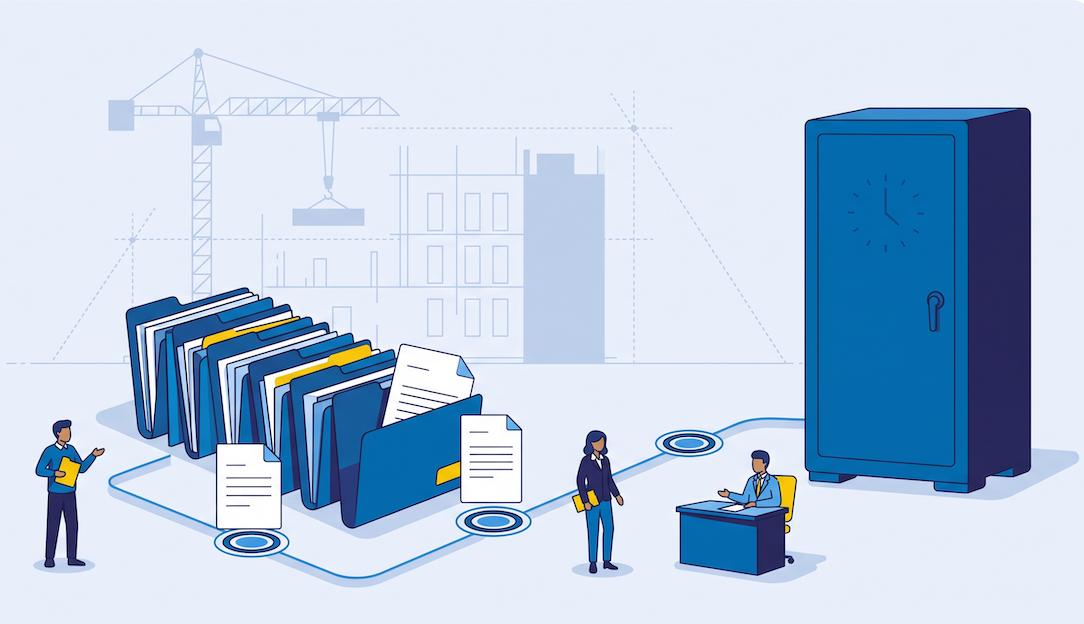
Before anything is built, permitting generates thousands of documents: environmental impact studies, land acquisition files, safety and regulatory filings, public consultation records. Their long approval cycles involve consultants, lawyers and administrations, and every file must remain retrievable for decades in case of litigation.
Design & Construction
Run RFPs, negotiate contracts and amendments, exchange specifications and supplier documentation: datasheets, certificates, test reports, all reviewed and approved before equipment acceptance. In AODocs, external partners are first-class citizens: EPCs, contractors and suppliers join your workflows with the same security and traceability as internal teams.
Handover & operations
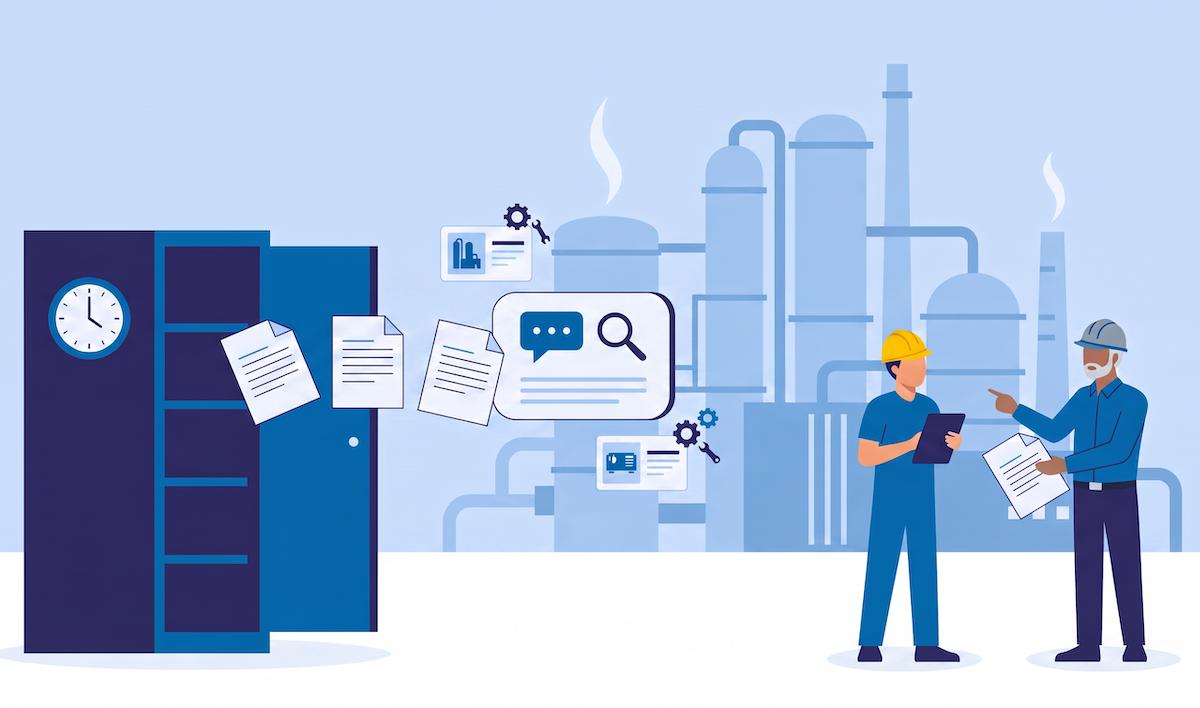
When the asset starts its useful life, everything is handed over to operations: as-built documentation, as-designed vs. as-built states, maintenance procedures, equipment records. Knowledge cannot live in a few experts' heads. Everything must be documented, findable and trustworthy. AODocs' AI brings value on top of document management: search, extraction, AIDA.
We went from three weeks to a few minutes to assemble the reference document set needed to start a construction project.

Ron Goodwin
Global Manager of Knowledge Management

Accelerate with confidence
AI Quality Control
AI validates metadata, formatting and compliance against your project rules. Catch inconsistencies and missing information early, and reduce manual review effort across thousands of drawings and specs.
Automated Content Linking
AI extracts equipment tags, reference drawings and key data from your documents and builds bi-directional links to the equipment register, giving every team a 360° view in one click.
Advanced Viewer, Comparison & Annotations
Native support for 100+ formats including 2D/3D CAD (DWG, STEP, RVT, SolidWorks). Compare revisions, visualize X-refs, navigate, zoom and measure designs, all without leaving AODocs.
Trusted AI
Sovereign, customer-managed AI
AODocs' built-in AI agent provides answers grounded exclusively in the documents your teams manage: reliable, traceable, and sourced from your governed content. Connect to your preferred LLM provider, or to your private, self-hosted AI infrastructure.
Frequently asked questions
How should construction document migration be phased?
Start with one discipline and one document type, then expand to design documents, procurement and construction records, and closeout deliverables. Before each cutover, freeze the source set, retain a backup, define rollback triggers, and run the relevant validation tests. Advance only after the responsible owners approve the phase results.
What should a DMS for capital projects control?
A DMS for capital projects should manage current approved revisions, preserve revision history, enforce review and approval workflows, control external distribution, and retain an exportable audit trail. Evaluation should test these behaviors with representative project documents, including a revision change, an external transmittal, and a handover evidence check.
What should a master document register contain?
A master document register should identify required project documents and connect each deliverable to its current revision, approval state, responsible parties, and supporting evidence. During handover, reconcile the register against the agreed deliverables so missing records, incorrect states, and unresolved exceptions remain visible to the project team.
What makes a document "authoritative" in a document management system?
An authoritative document has four properties: a designated owner, an explicit status (draft, approved, in force, retired...), an approval history showing who validated it and when, and a guarantee that search returns this version rather than an older copy. Without these, a company has files; with them, it has a record it can act on and defend in an audit.
Ready to take control of your project documents?
See what AODocs can do for your capital projects, let's connect.