Your team can build it on SharePoint. Should they?
Your experts can assemble approval flows, retention labels and Copilot agents on top of SharePoint. This page helps you decide when that build pays off, and when a document management layer running inside your own Microsoft 365 tenant costs less to run and gives your AI the version in force.
What your team would assemble
Every piece exists in Microsoft 365. The work is making them behave as one system, then keeping it that way as people, rules and the platform change.
Document types and metadat
Define document types, required fields and taxonomies for each library. Then keep them consistent as new teams create new sites with their own conventions.
Review and approval flows
Build Power Automate flows for review, approval and periodic re-review. Then own them: each flow belongs to someone, and it stops quietly when that person moves on.
The version in force
Combine versioning, content approval and custom columns to show which revision is current, which is superseded and which is withdrawn. Then make every library follow the same convention.
Retention and records
Apply Microsoft Purview retention labels and records management. This part comes ready-made, and AODocs relies on it too.
Audit evidence
Stitch the audit log, version history and flow run history into evidence an auditor accepts: who approved which revision, under which procedure, and when.
AI agents
Build agents in Copilot Studio on top of your libraries. Then curate what they read, so they answer from approved documents rather than drafts.
When a wrong answer is not an option
None of this is out of reach for a skilled team. The real question is whether running it, year after year, is the best use of that team.
Building the agent is the easy part
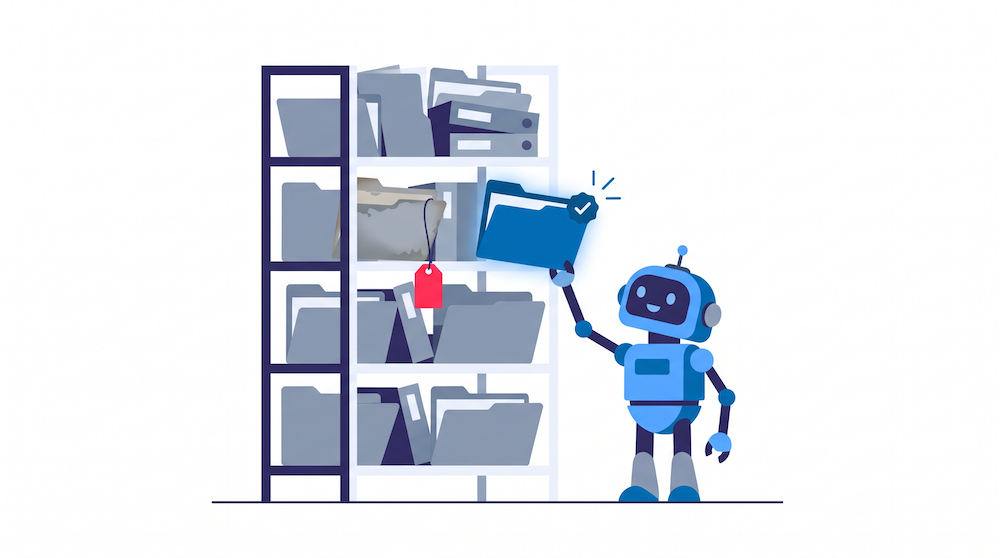
Your IT team can build a Copilot Studio agent on top of SharePoint in days. Whether you can trust its answers depends on what sits underneath: drafts, superseded revisions, duplicates, copies saved in personal folders. An agent that reads all of them answers from the wrong one with the same confidence as from the right one.
Making a library ready for agents means knowing, for every document, its status, its owner and whether it is still in force. That is document management, whatever you call it.
With AODocs, AIDA, our AI agent, answers only from controlled, validated content inside your tenant, and Microsoft 365 Copilot draws on the same governed documents. Your teams keep building agents where they already do. Those agents now read the version in force.
What you build, what you get
Same tenant, same Microsoft security. The difference is who designs, enforces and maintains the document layer.
| Need | Built in-house on SharePoint | AODocs on SharePoint Embedded |
|---|---|---|
| Where files live | Your Microsoft 365 tenant | Your Microsoft 365 tenant, in dedicated SharePoint Embedded containers |
| Retention and data loss prevention | Microsoft Purview | Microsoft Purview: the same policies apply |
| Document lifecycle | Custom columns and flows, configured library by library | Statuses from draft to obsolete, applied the same way in every library |
| The version in force | A convention people are asked to follow | One designated current revision; superseded ones leave circulation |
| Required metadata | Optional unless each library is set up to enforce it | Required by document type, at creation |
| Review and periodic re-review | Power Automate flows to build and maintain | Configurable workflows, with scheduled reviews |
| Audit trail | Assembled from several logs | One traceable record per document: who did what, when, under which procedure |
| AI answers | Agents read whatever the library holds | Agents read whatever the library holds |
| Who keeps it running | Your team, through every reorganisation and platform update | AODocs, as a product |
Where files live
Built in-house on SharePoint
Your Microsoft 365 tenant
AODocs on SharePoint Embedded
Your Microsoft 365 tenant, in dedicated SharePoint Embedded containers
Retention and data loss prevention
Built in-house on SharePoint
Microsoft Purview
AODocs on SharePoint Embedded
Microsoft Purview: the same policies apply
Document lifecycle
Built in-house on SharePoint
Custom columns and flows, configured library by library
AODocs on SharePoint Embedded
Statuses from draft to obsolete, applied the same way in every library
The version in force
Built in-house on SharePoint
A convention people are asked to follow
AODocs on SharePoint Embedded
One designated current revision; superseded ones leave circulation
Required metadata
Built in-house on SharePoint
Optional unless each library is set up to enforce it
AODocs on SharePoint Embedded
Required by document type, at creation
Review and periodic re-review
Built in-house on SharePoint
Power Automate flows to build and maintain
AODocs on SharePoint Embedded
Configurable workflows, with scheduled reviews
Audit trail
Built in-house on SharePoint
Assembled from several logs
AODocs on SharePoint Embedded
One traceable record per document: who did what, when, under which procedure
AI answers
Built in-house on SharePoint
Agents read whatever the library holds
AODocs on SharePoint Embedded
Agents read whatever the library holds
Who keeps it running
Built in-house on SharePoint
Your team, through every reorganisation and platform update
AODocs on SharePoint Embedded
AODocs, as a product