AI-enabled Document Management + Microsoft Productivity
Get more done with your preferred work and collaboration tools – Copilot, Purview, Teams, and Office – while ensuring accurate, context-rich AI results. The best of both worlds: Enterprise document control within Microsoft 365 security and governance boundaries.
Deliver accurate, context-rich AI responses by working directly on governed, validated, and up-to-date content managed by AODocs.
Purview & DLP
Security policies apply automatically and ensure enterprise-level governance and compliance.
Office 365
Co-create and work with the full productivity suite — Word, Excel, PowerPoint, and more — which natively uses your controlled documents.
Teams
Chat and collaborate at ease while accessing files with consistent naming and governance applied automatically. Control Teams spaces from creation to archival.
Outlook
Capture and file emails directly into managed document libraries. Automate import rules so nothing falls through the cracks.
Give your teams the freedom to work in the Microsoft 365 tools while keeping business-critical documents under enterprise-grade control. With SharePoint Embedded, your files are managed through AODocs — with workflows, metadata, lifecycle controls, and audit trails — while remaining stored natively inside your Microsoft 365 tenant’s security and governance boundaries. Governance and productivity, combined.
Collaboration
Bring Teams, SharePoint, and AODocs governance into one coherent experience. With SharePoint Embedded, real-time co-authoring in Office desktop applications works natively on governed documents — so your teams collaborate freely without stepping outside the security boundary.
Reliable AI agent
Boost productivity withAIDA, AODocs’ trusted AI agent, fully integrated with Microsoft Copilot and working only on controlled, validated, and up-to-date information. Copilot accesses your governed enterprise content by default because your documents are stored inside your Microsoft 365 tenant.
Active Directory Integration
Streamline user authentication by integrating with Microsoft’s centralized directory. Leverage Active Directory groups to set access to critical documents and define roles and permissions in your business processes — no duplicate user management required.
Information Governance
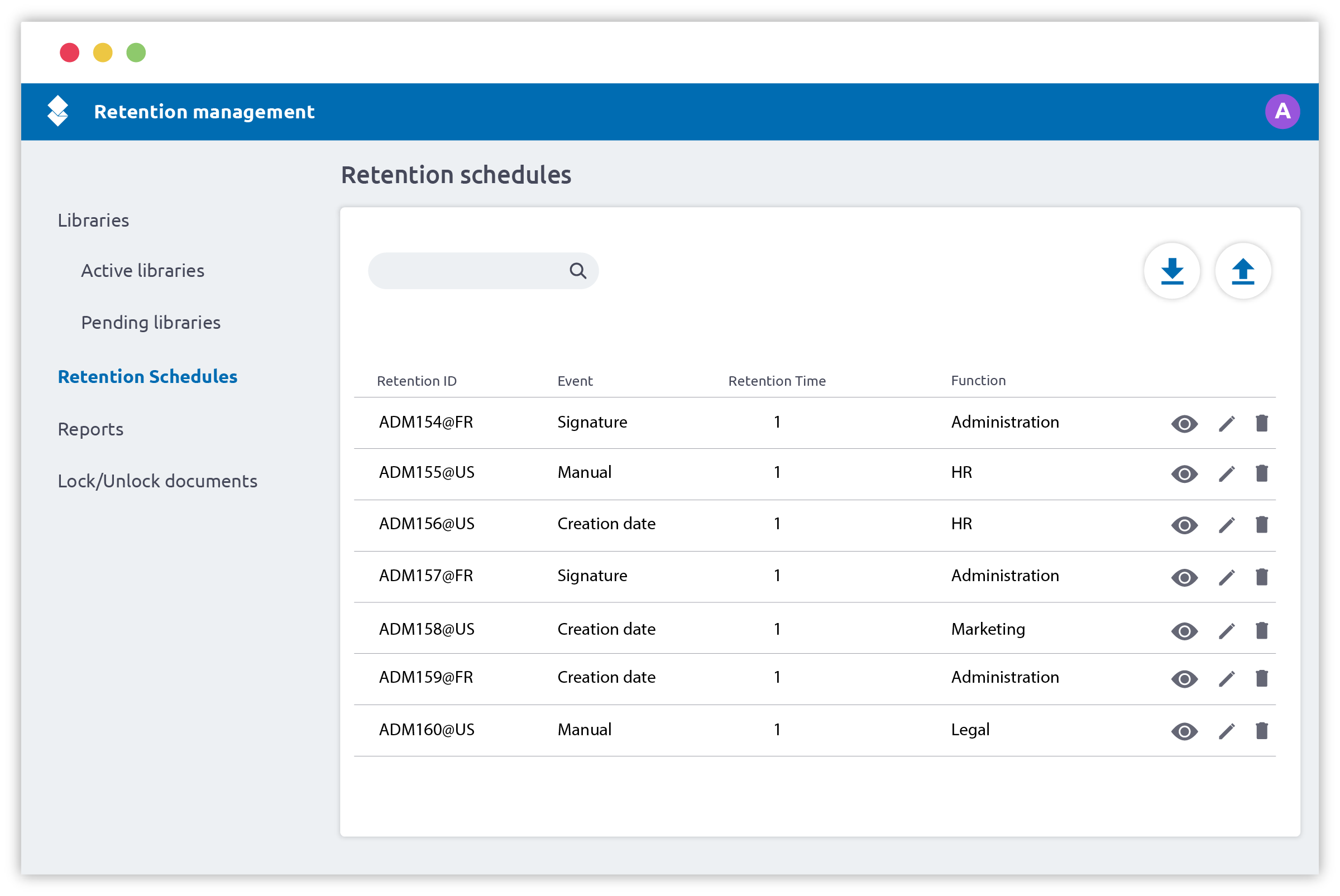
Manage the full lifecycle of your critical documents with multi-phase, event-driven retention policies, legal holds, and audit trails. With SharePoint Embedded, Microsoft Purview and Data Loss Prevention policies apply automatically to your AODocs content — no additional integration work needed.
Power Business Intelligence
Monitor your document processes in real time. Identify bottlenecks, track compliance status, and get aggregated views with AODocs dashboards or direct Power BI integration, regardless of data volume.
Ready to get the best of both worlds?
See how AODocs and SharePoint Embedded work together — enterprise document control, inside your Microsoft 365 environment.